A Founding Engineer's Week One Handbook
Laying the foundations that let you and your team ship quickly and confidently

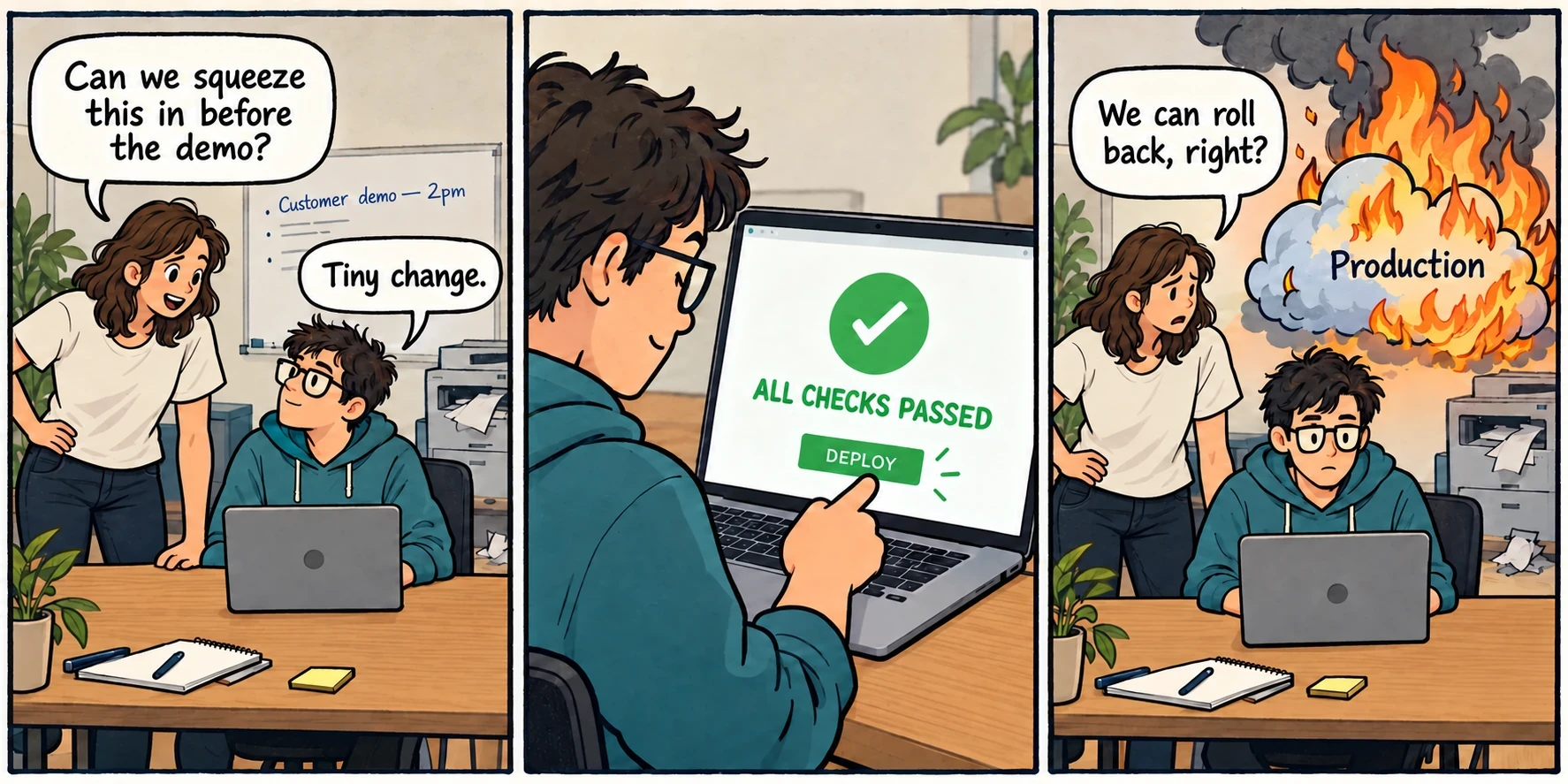
Introduction
You’re responsible for everything even remotely related to “tech” at a shiny new startup (this includes constantly “fixing” the printer). The idea is there, the relationships are coming together, and possibly even the first customers are lining up out the door. All you need to do now is condense two years of engineering effort into two weeks.
Amusing quips aside, here are the processes and habits I’d put in place early to give myself and the future team a better chance of keeping on top of everything. They won’t guarantee a trouble-free launch, but they give you more chances to catch a problem before all the holes in the Swiss cheese line up at once.
Start small in week one and build on these habits as the product grows. The first version of each can be small.
1. Infrastructure as code
You (or your agents) have rapidly thrown together your first prototype, and you’re ready for demos. Depending on your architecture, you might be able to point a managed platform at your repository and press the big green button, or you might have to spend an afternoon in the management console getting everything into place.
Either way, get the infrastructure configuration into a repository from the beginning. Terraform, AWS CDK, or your platform’s own configuration files give you somewhere to look when you’re trying to remember why staging and production behave differently.
Example situations this allows you to avoid:
- Adding a staging environment by clicking through the console and accidentally giving it different permissions.
- Relaxing permissions “just for a moment” to debug a permission issue, then forgetting to tighten it after being pulled into a customer call.
- Making a quick console change for “the most important client demo in history”, then having the next deployment overwrite it because you forgot to put it in the configuration.
IaC won’t stop you from writing an overly permissive policy, but it does give you a chance to see and review it. Make changes through code as the normal process, and make sure any emergency console changes find their way back into that code afterward.
2. Staging environments
Onboarding your first customer is an incredible milestone, but it does complicate the plan to keep building the plane as you fly it. Feature development must continue, and you need somewhere to find out whether a change works before your customers find out that it doesn’t.
A staging environment gives you somewhere to try releases, experiment with breaking changes, and accidentally set everything on fire without disrupting your customers. It can be a smaller twin of production, using the same deployment process and runtime versions, even if you’re using smaller instances and leaving out high availability. It’s also somewhere to rehearse the recovery and failure scenarios discussed below.
That’s the value of having somewhere production-like to deploy before the real thing. A picture-perfect CI setup can still miss something that fails immediately once it leaves the machines you developed it on. Smaller servers and a tiny dataset won’t reproduce all of production’s load or database contention, but staging gives you another chance to find a problem before your customers do.
3. Persistent deployment artefacts
Thankfully, the world has mostly moved on from copying code to production via FTP. Checking out a release commit and installing its dependencies on the server still leaves part of the release being assembled during deployment.
Most of the time it just works. It’s less convenient when you’re trying to deploy an emergency hotfix and the npm registry just happens to be offline.
Build the release once, keep the resulting artefact, and deploy that same artefact to staging and production. Containers are one way to do this (your infrastructure platform may have its own similar mechanism). The important part is being able to deploy the same built release again without having to assemble it from scratch and hope it still works.
Keep previous releases available as well - failing to do so just exposes you to the same issues as a regular deployment. You’ll still depend on your infrastructure provider and wherever you store the artefacts, but you’ve removed one source of variation at a rather inconvenient moment.
4. Rehearse rollbacks
Every rollback is different. Some are simply a matter of redeploying the non-buggy release (that you kept; see above). Others involve database or infrastructure changes that take more work to unwind. Discovering that distinction while your application is already throwing errors faster than your reporting platform will accept them is a recipe for a bad day.
Can the old application still work with what the new release has left behind? That includes data it’s written and jobs it’s queued. Reversing every database migration may destroy data, while leaving a new table or column in place may be perfectly fine. Sometimes a forward fix is the safer option.
Start by practising a simple rollback in staging. As releases get more complicated, rehearse the recovery path as part of preparing a big release, with enough data and activity to make the result meaningful. It’s unreasonable to expect this to happen for every release, and a lot of the time you’ll be able to identify the likely pain points without even having to run the migration. That being said, you don’t want to find rolling back a database migration fails due to deadlocks when you’re in the middle of running said rollback.
5. Integration tests
Have a small set of tests that check the core functionality against each release. Depending on your product, that might mean signing in, creating an order, or waiting for a background task to complete.
This becomes particularly useful because 10/10 CVEs have a tendency to drop just when you don’t really have time to evaluate how exploitable your application is. Depending on the vulnerability, you may be choosing between immediate unscheduled downtime and deploying the fixed version.
If you’re a few releases behind, that update may bring other changes along with it. Your unit tests can all pass while authentication fails because the web server now forwards request headers differently. That’s an unpleasant discovery halfway through an emergency update, particularly when the reassuring row of green ticks is still there.
Focus on the things that would stop customers using the product and keep the suite quick enough to run during an urgent update. The point is to have some evidence that the basic stuff still works when you don’t have time or resources for a full round of manual testing.
6. Health checks outside the failure domain
Most infrastructure providers offer some kind of health check service that can notify you when your application becomes unavailable. Before relying on it, consider what happens if it shares the infrastructure that’s just failed. A monitor in the same availability zone as your application is pretty useless if that AZ goes down.
Run those checks outside the failure domain you’re worried about. Depending on the setup, that could mean another region or an external monitoring service. Consider the notification channel too: the alert needs a way to reach you while the application is unavailable.
Think about what the check actually tells you as well. A server returning a static page doesn’t necessarily mean a customer can sign in or place an order. Include some monitoring that reflects whether customers can use the product, or at least pings the infrastructure you need like databases and caches.
7. Trigger your alerting
Configuring an alarm and seeing a test notification arrive can give a false sense of confidence. What happens when the condition it’s meant to detect actually occurs?
Occasionally introduce a controlled failure in staging and follow what happens: does it get detected, does the notification arrive, and how long does it take? You may find the reporting pipeline behaves differently when the system is already struggling.
Keep warnings separate from the “something has exploded” alarms.
As the system grows, monitor individual resources as well as averages across the fleet. Most of your web servers may be running fine while a few are struggling with requests for a particular feature. If that feature is being used progressively more, it’s best to know about the problem while 2% of your customers are using it instead of 20%.
8. Enough observability to investigate
A customer reports a failed action at roughly 10:15. Can you work out what happened, or are you about to spend the afternoon trying to reproduce something that only happened once?
It’s easy to tick the “give me logs” button when configuring a service and move on to the next thing. That feels like the problem is handled until you have plenty of logs and still can’t work out what happened. Check whether they give you enough context to follow a problem through the application: can you connect the original request to a background job, tell which release was running, and still find the useful information by the time a customer gets around to reporting the issue?
Time permitting (which it never does), reproduce a known problem in staging and pretend a customer had reported it. Try to work out what happened using the information you’d have available. Missing context gives you something concrete to improve, and a justification to spend the time adding it.
9. Secret coordination
Almost immediately you’ll start collecting API keys and certificates for payment gateways, app stores, and other services. Then your deployment pipeline needs them, then other engineers need access, and pretty quickly nobody can remember which credentials exist or where the only copy lives.
Put a system in place for storing and tracking them early, even if it’s initially a company-controlled password manager. Use separate accounts where possible, MFA where supported, and separate credentials for production and staging. You want to know what a credential is for, who has access to it, and what happens if you need to replace it.
Removing someone from the password manager doesn’t invalidate credentials they’ve already copied. Offboarding needs to account for the access they actually had, including shared keys that may need replacing.
Not everyone gets excited about compliance, but you’ll be even less excited when a customer or vendor asks who can access a system containing their data, and you realise you’ve never kept track.
Know someone who would enjoy this?